4.4 SSL
To enable end users' browsers to log on to the AGW automatically, an SSL certificate is required that is trusted by these browsers. We recommend creating an appropriate certificate with an internal CA or obtaining one from a known CA.
Please note that Chrome-based browsers require the SAN (Subject Alternative Name).
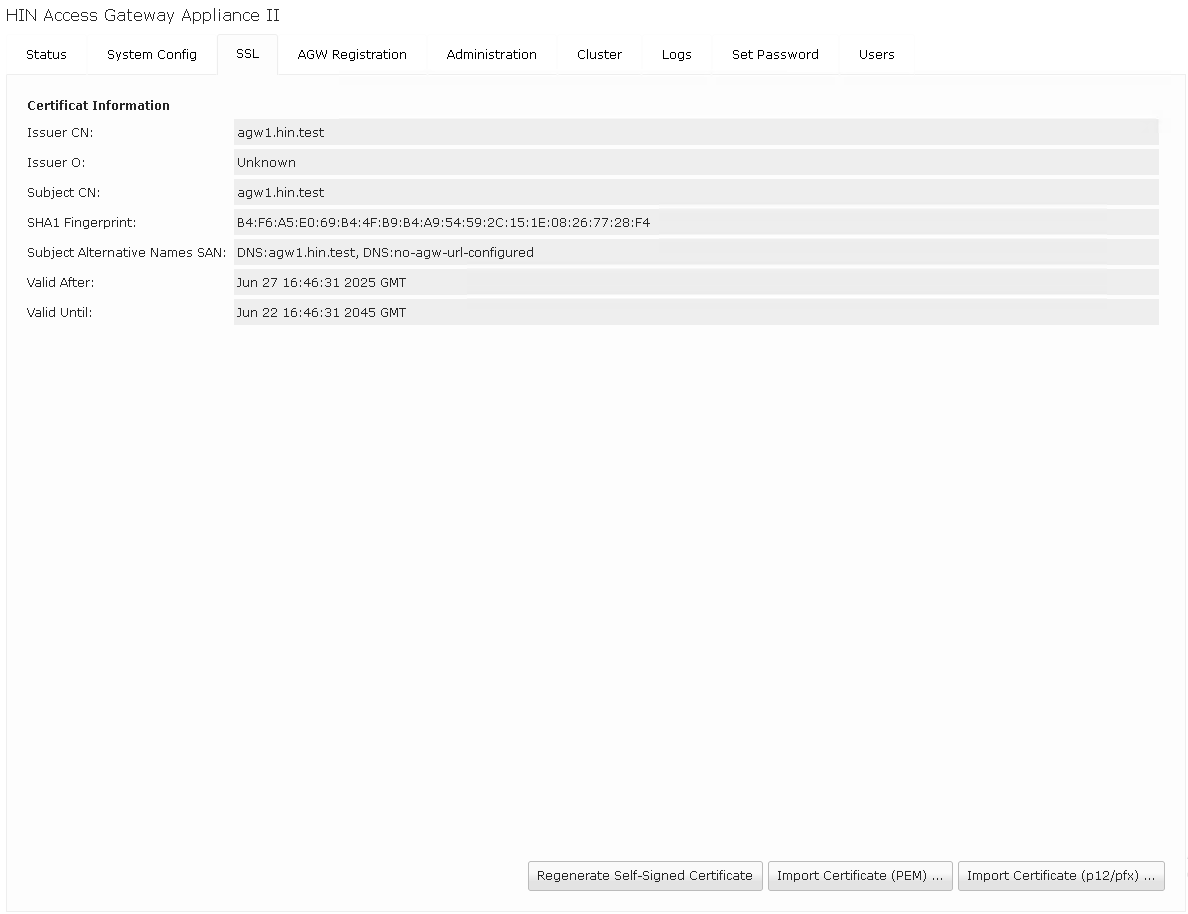 Display of the stored certificate*
4.4.1 SSL Additions
The correct configuration of the HIN Access Gateway is crucial for a secure connection. An important aspect is the match between the hostname, auth URL, and SSL certificate.
Details
- Hostname:
agw.example.ch - Auth URL:
agw.example.ch - SSL Certificate: A suitable certificate, such as a wildcard certificate with SAN, an internal certificate, or a self-signed certificate.
Tip
When using wildcard certificates, note that they are often only valid for the base domain (e.g., *.example.ch). If the hostname is a subdomain of a subdomain (e.g., agw.sub.example.ch), it may be necessary to add a SAN for the specific domain, as the wildcard certificate may not automatically apply to it. Self-signed certificates can be used, but they are not signed by a trusted Certificate Authority and may result in security warnings in browsers.
Note
The LDAP server plays an important role in authentication and authorization, but is not directly related to the configuration of hostname, auth URL, and SSL certificate.ver spielt eine wichtige Rolle bei der Authentifizierung und Autorisierung, ist jedoch nicht direkt mit der Konfiguration von Hostname, Auth URL und SSL-Zertifikat verbunden.